Android App Testing
Digital.ai Testing gives engineering and QA teams instant access to real Android devices and tablets for comprehensive Android app testing across native, hybrid, and mobile web applications. Validate functionality, performance, and accessibility across multiple Android OS versions, device models, and screen sizes, all from a single platform.
-
Catch issues earlier and reduce release risk before they impact users
-
Test confidently across new Android OS updates as they are released
-
Deploy Android testing the way your organization needs with SaaS, on-premises, or hybrid options
Request a Demo
Trusted by Enterprise Customers


Test Android Apps Your Way
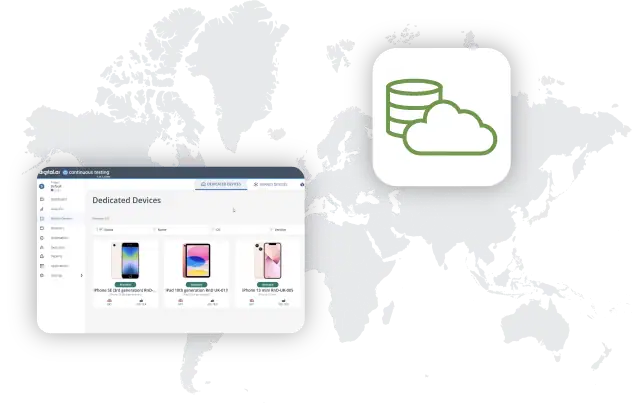
Access real and virtual Android devices through SaaS, on-premises, or hybrid deployments. With support for leading device brands—Samsung, Pixel, Motorola, Xiaomi, Huawei, and more—test native, hybrid, and mobile web apps across phones and tablets. Upload APK or AAB files, connect through your CI/CD pipeline, and validate functionality, performance, and accessibility in one unified platform.
- Access real and virtual devices from anywhere, across any deployment model
- Ensure full coverage on all major and edge Android devices
- Validate functionality, performance and accessibility in one platform
Automate Android Testing with Built-In Intelligence
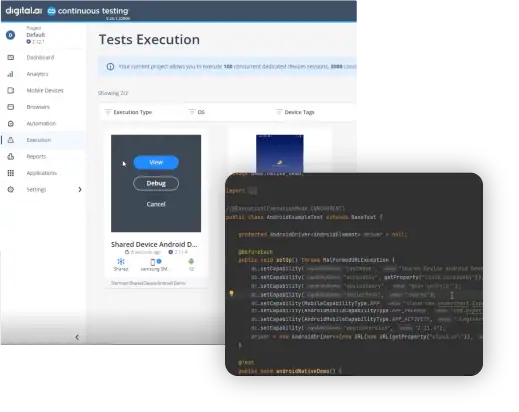
Accelerate your automation strategy with built-in Appium support for Android. Generate test scripts your way using the Test Editor, enhanced with AI-powered step creation. Developers can also leverage Maestro, Espresso, UIAutomator, and other unit test frameworks to run reliable tests within the same unified environment. Every automation run captures detailed logs, screenshots, and videos, enriched with AI-driven insights to help teams pinpoint and resolve issues quickly.
Essential Capabilities for Android App Testing

Test Native, Hybrid and Web Apps
Ensure seamless performance and functionality by testing native, hybrid, and web apps across various devices

Non-Functional Testing
Cover performance, accessibility, and security scenarios directly on devices.

Network Logs & Traffic Analysis
Inspect network calls, latency, and API responses to debug performance issues.

Device Logs & Crash Analysis
Capture OS-level and app-specific logs to diagnose crashes and errors quickly.

Biometrics & Sensor Testing
Validate fingerprint, Face ID, GPS, camera, and other device sensors to ensure real-world usability.

Interrupt Testing
Simulate calls, SMS, push notifications, and battery conditions to see how apps handle real interruptions.
Customer Success Story
1,300
Builds Automated per Cycle
36%
Test Coverage Increase

The implementation of Digital.ai Testing has allowed us to accelerate delivery across all teams.
Géraldine Chaumont
Test Lead

Start your Journey with Digital.ai Testing
Choose the Right Deployment for Your Team

On-Premises Lab
Deploy a fully air-gapped testing lab on-premises, with enterprise-grade features intact.

Private Real Device Cloud
Secure 24/7 access to dedicated iOS & Android devices and Cross Browsers in a private cloud.

Hybrid Deployment
Combine the best of cloud scalability and on-premises control with a flexible hybrid model.